


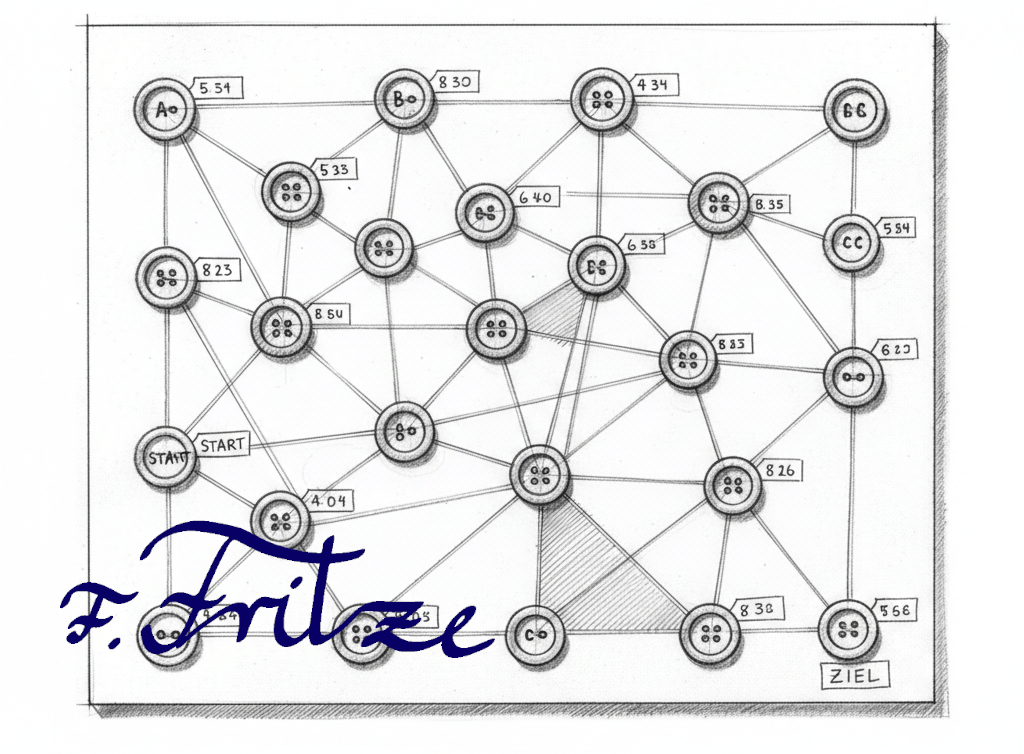
The Dijkstra algorithm is an efficient method for determining the shortest path in a graph. It is widely used in networks, route planners, and many applications in computer science. Due to its ability to find optimal solutions, it plays a central role in graph theory and data analysis.
Instructions for Use: Button Navigator – Dijkstra Unplugged
- Prepare materials: You will need several buttons to serve as nodes, as well as strings to represent the edges between the nodes.
- Create graph: Connect the buttons with the strings by tying them in knots. Each knot represents a point in the graph, and the strings show the connections between these points.
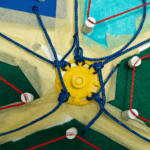
- Select starting point: Lift the button (or a string at any point) that represents the starting point. This signals that you want to find the shortest path to your destination.
- Visualize path: The cords will adjust, and the connected buttons hanging in a line downward will indicate the shortest path to the destination.
- Discuss results: Discuss the discovered paths and the functionality of the Dijkstra algorithm using the visual representation.
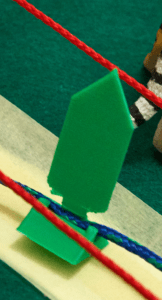
This method allows for a vivid and interactive explanation of the Dijkstra algorithm without technical aids.
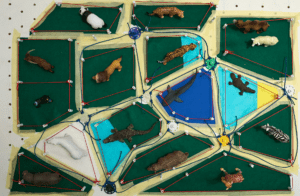
Modeling the graph as a map, for example of a zoo, particularly increases children’s motivation to engage with the Dijkstra algorithm. Through the visual representation, children can better understand the various nodes and paths. In addition, signposts and thematic elements present the problem in a playful way, making learning both entertaining and educational.

Note on 3D Models
The parts for the button navigator are available as 3D models for download. You can access them via the following links:
The buttons are designed to be snapped on. It is recommended to print all parts in a uniform color, while different buttons should be created in different colors to make it easier to place the grid back onto the map. Destination and signpost signs should also be printed in one color, ideally combined with paired different colors for better clarity.
Leave a Reply