


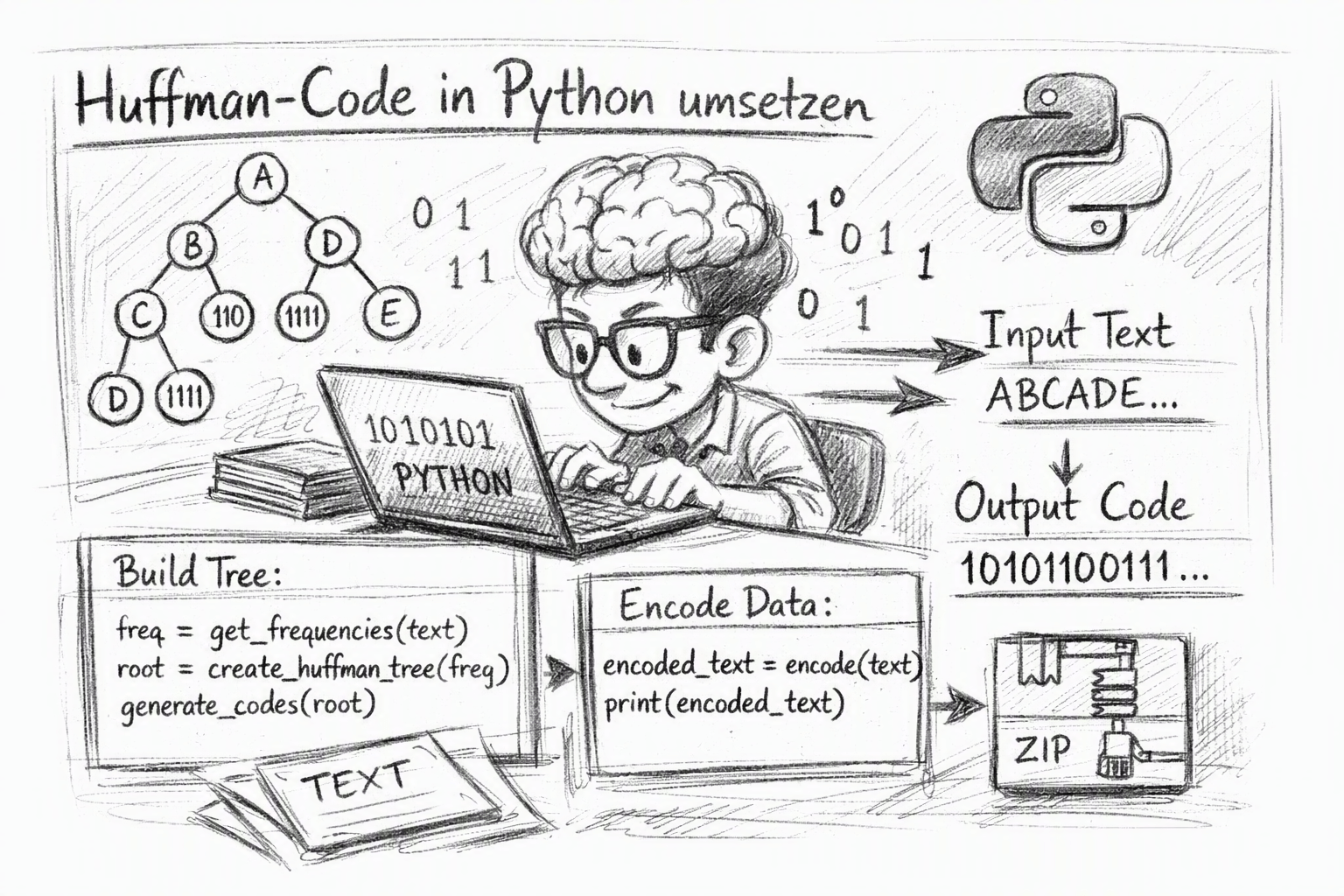
In the first part, the example of KAFFEPAUSE was shown how the Huffman algorithm uses character frequency to create a binary tree and extract space-saving, unique codes from it. The basics are explained in detail in Teil 1 on ffritze.de.
In this second part, the Huffman algorithm is implemented in Python and gradually traced in a Jupyter Notebook. The focus is not only on the finished program. The individual data structures and processing steps are made visible so that the construction of the Huffman tree and the generation of the codes can be tried out directly.
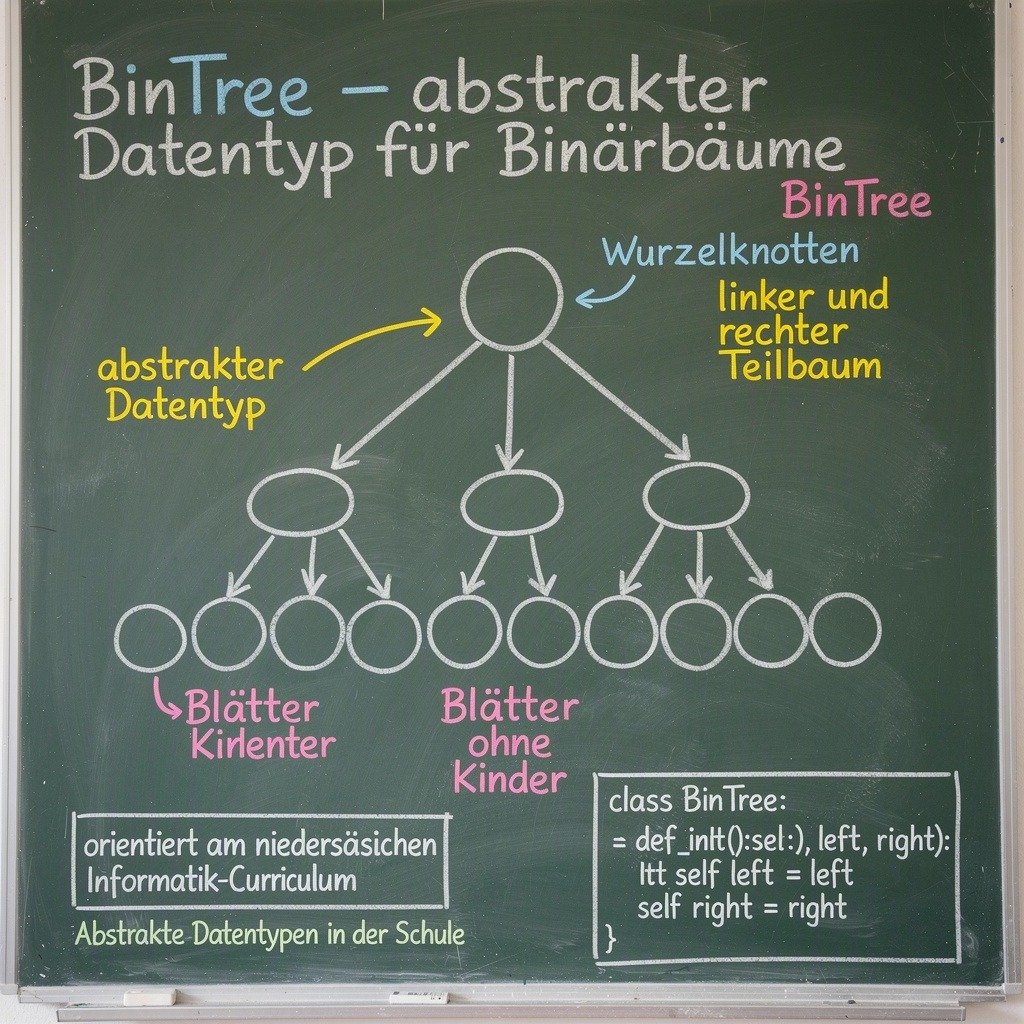
The abstract data type BinTree is used to display the tree. This is based on the abstract data types that play a role in the Lower Saxony computer science curriculum. The associated Python implementations and further information on abstract data types, including the binary tree, are described here: Abstract data types in school: Python implementations for download.
The notebook thus combines the theoretical foundations from Teil 1 with a concrete programming. Starting from a text, a frequency analysis is first carried out. On this basis, a Huffman tree is created, on which the coding of the text is subsequently tested.
Open Jupyter Notebook
The entire notebook can be opened directly in JupyterLite and run there. In addition to the frequency analysis and the creation of the Huffman tree, the file also contains other functions for generating the Huffman codes as well as for encoding and decoding texts. Open the notebook and play through the entire process once with the word "KAFFEPAUSE":
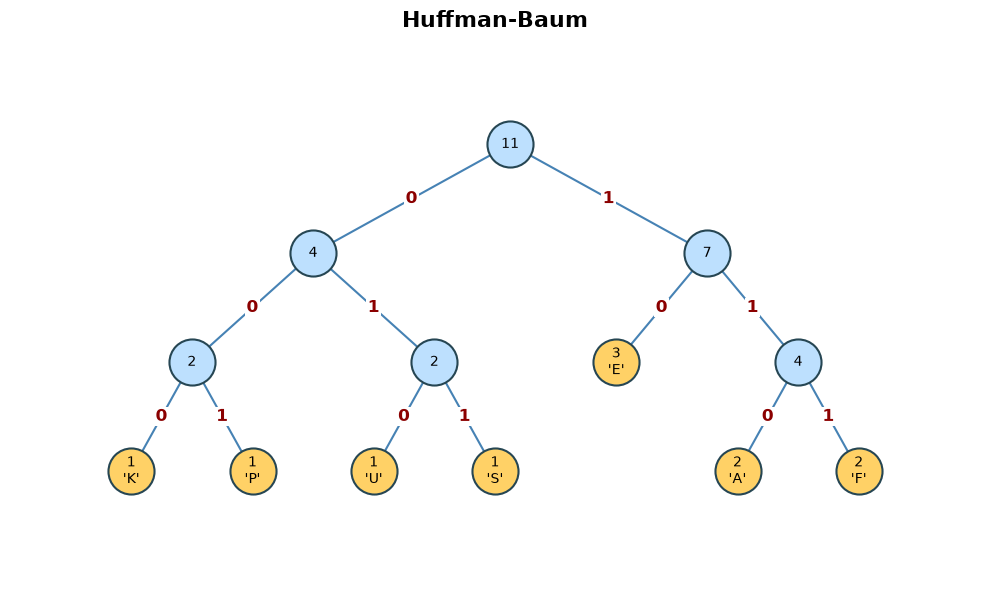
Open Huffman's algorithm in JupyterLite
After opening the code at the top right, first set the code to "Trusted"and then select Python as the kernel. Each code cell can be executed one after the other with Shift + Enter.
Determine the frequencies of the characters
Before the Huffman tree can be created, it is first necessary to examine how often each character occurs in the source text. This frequency analysis is used by the function frequency_analysis_of(text).
As a result, the function provides a dictionary (dictionary). In it, each character is assigned its absolute frequency. The text is scrolled through character by character:
- If a character is already included in the dictionary, its numerator is increased by one.
- If a character appears for the first time, it is recorded with the value
1. - At the end, the dictionary contains all the characters that appear in the text with their respective frequency.
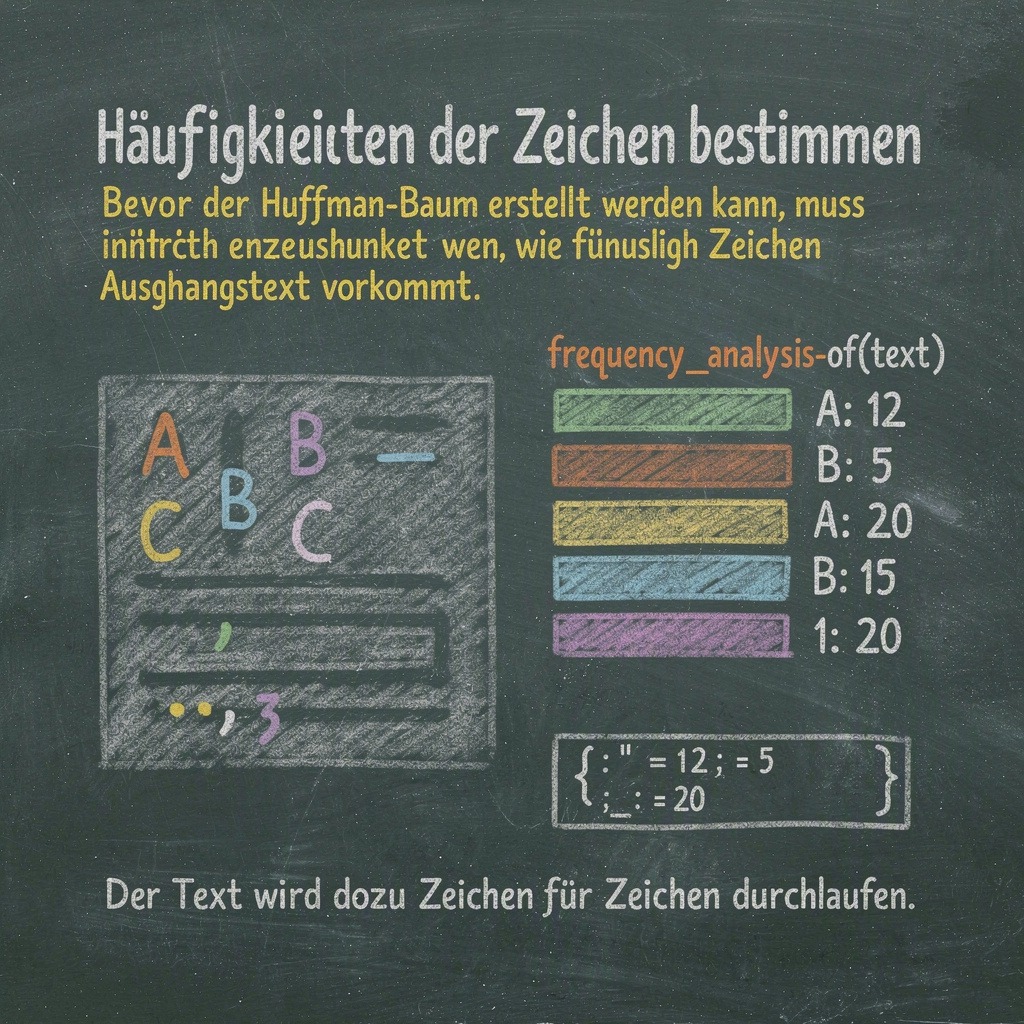
def frequency_analysis_of(text):
    frequencies = {}
    for char in text:
        if char in frequencies:
            frequencies[char] += 1
        else:
            frequencies[char] = 1
    return frequencies
The variable frequencies stores the frequency table. By calling the function with any text, this table can then be used for the structure of the Huffman tree.
The Huffman Tree
For the creation of the Huffman tree, two preparatory steps are first carried out. This is followed by the actual function huffman_tree_from(frequencies).
1. Import of the class BinTree
The class BinTree is loaded directly from a GitHub repository. As a result, no additional file has to be stored on your own computer. However, an Internet connection is required to run this code.
from urllib.request import urlopen
from types import ModuleType
import sys

url = "https://raw.githubusercontent.com/ffritzemedia/ADT_Python/main/ADT/adt.py"

adt_remote = ModuleType("adt_remote")

with urlopen(url) as antwort:
    quelltext = antwort.read().decode("utf-8")

exec(compile(quelltext, url, "exec"), adt_remote.__dict__)

sys.modules["adt_remote"] = adt_remote

BinTree = adt_remote.BinTree
2. Auxiliary class for the tree knots
Both the sign and its frequency should be stored in the tree nodes. The help class item is used for this purpose.
class item:
    def __init__(self, weight, char):
        self.weight = weight
        self.char = char

    def __lt__(self, other):
        return self.weight < other.weight
The attribute weight stores the weight or frequency of a character. The attribute char contains the associated character.
The __lt__ method determines how to compare two objects of the item class. Their weights are compared. This allows the trees to be sorted later according to their frequency.
3. Huffman Tree Creation Feature
The huffman_tree_from(frequencies) function creates a Huffman tree from a dictionary with character frequencies. The principle of the Huffman algorithm is implemented: the two trees with the smallest weights are always selected and combined to form a new tree.
First, the class BinTree is extended by the comparison function bin_tree_lt. As a result, the tree objects can be compared and sorted with each other based on the weight of their contents:
def bin_tree_lt(self, other):
    return self.getItem() < other.getItem()

BinTree.__lt__ = bin_tree_lt
Subsequently, a separate tree is created for each character from the dictionary with a content of the class item. In this content, the character and its frequency are stored:
trees = []

for char, weight in frequencies.items():
    tree = BinTree(item(weight, char))
    trees.append(tree)
The resulting trees are sorted according to their weight. As long as there is more than one tree, the two trees with the smallest weights are removed:
trees = sorted(trees)

while len(trees) > 1:
    left = trees.pop(0)
    right = trees.pop(0)
From these two trees a new common tree is created. Its weight is the sum of the two individual weights. Since the new node does not correspond to a single character, its character is specified with None:
merge = BinTree(
    item(left.getItem().weight + right.getItem().weight, None),
    left,
    right
)
The new tree will be added back to the list. After that, the list is sorted again so that the two trees with the smallest weights can be selected again in the next run:
trees.append(merge)
trees = sorted(trees)
This process is repeated until only a single tree remains. This tree is the complete Huffman tree and will be returned at the end:
return trees.pop(0)The weight sum of the root node corresponds to the total number of all characters of the text examined. The sheets contain the individual characters, while the inner nodes only store the aggregated weight sums.
Conclusion
This makes the path from the frequency analysis to the structure of the Huffman tree to the coding and decoding of a text completely comprehensible. The notebook offers the possibility to try out the individual steps yourself and to explore the principle of lossless data compression in practice. Good luck experimenting with the Huffman algorithm!

Leave a Reply